To create a rule for a shared email account, you must create the rule from your O365 Mail settings.
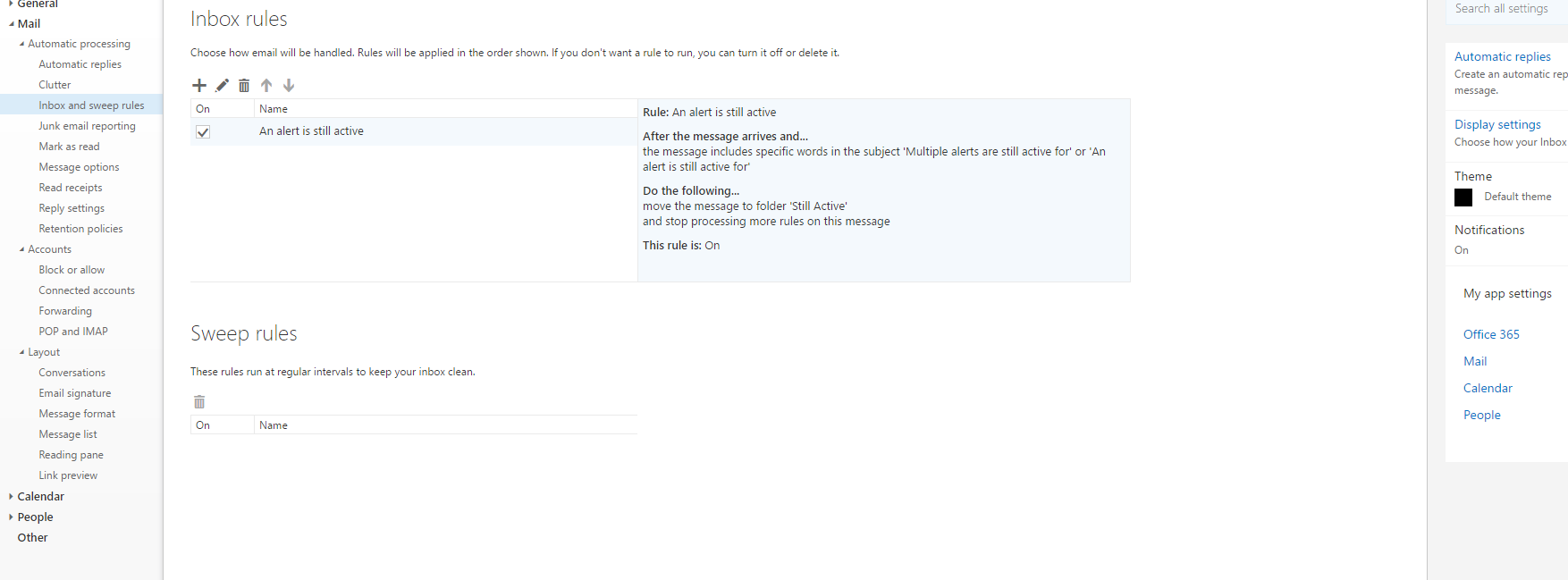
go to Portal.office365.com -> Gear Icon top right -> Mail -> Inbox and Sweet Rules
To create a rule for a shared email account, you must create the rule from your O365 Mail settings.
go to Portal.office365.com -> Gear Icon top right -> Mail -> Inbox and Sweet Rules
Originally published at strongitguy.com