Setting up custom App Passwords in Gmail for smtp notifications in pfSense
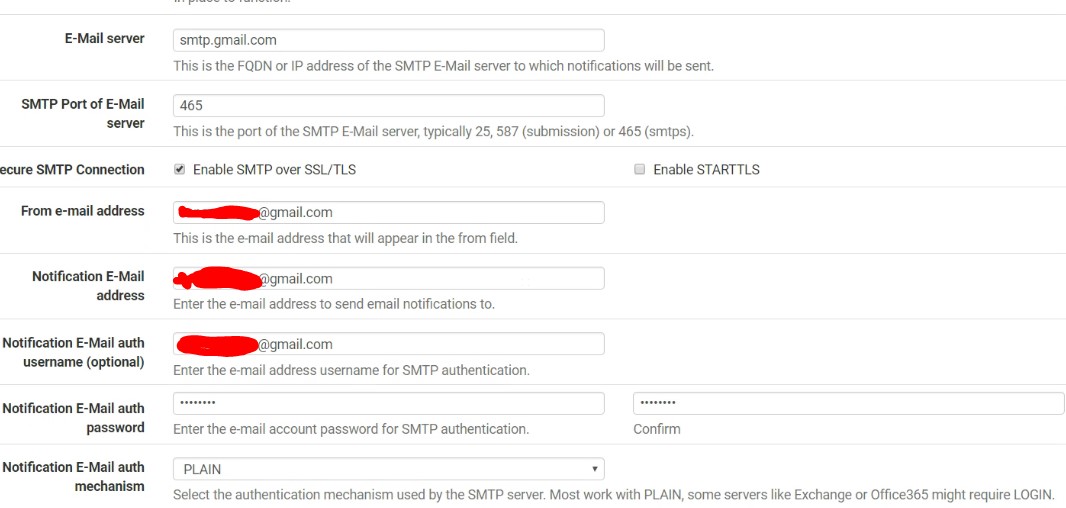
I needed to setup Custom notifications for pfSense, which requires an smtp account. This process will work for most systems that you use to send out emails via smtp.
I chose gmail for this, gmail will block the sending of smtp accounts through anonymous sources, unless you setup an app password.
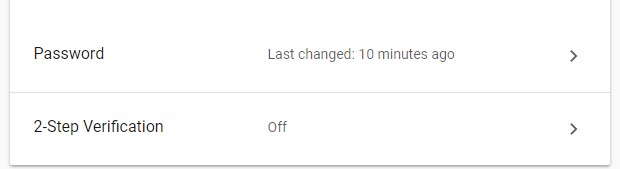
To Do so -> Gmail -> My Account -> Signing in to Google -> 2-Step Verificaton -> Turn on, follow propts.
Go back to My Account -> Signing in to Google -> App Passwords now appears
Before
After
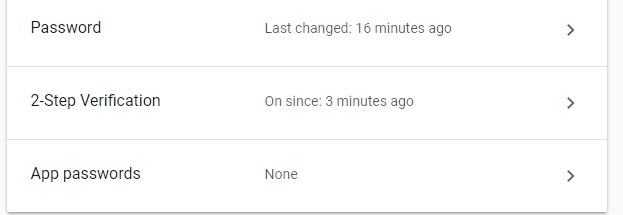
Click on App Passwords -> Select app -> Other (Customer name)
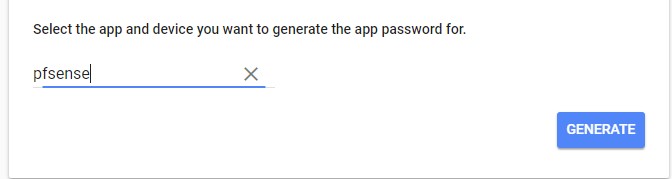
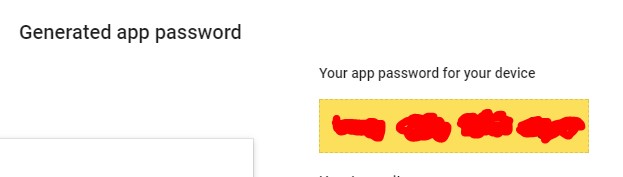
A new App Password will be created -> Use this password as your “email password” in PFsense, or program you want to send emails from.